 ASM
Photos and prices in one list
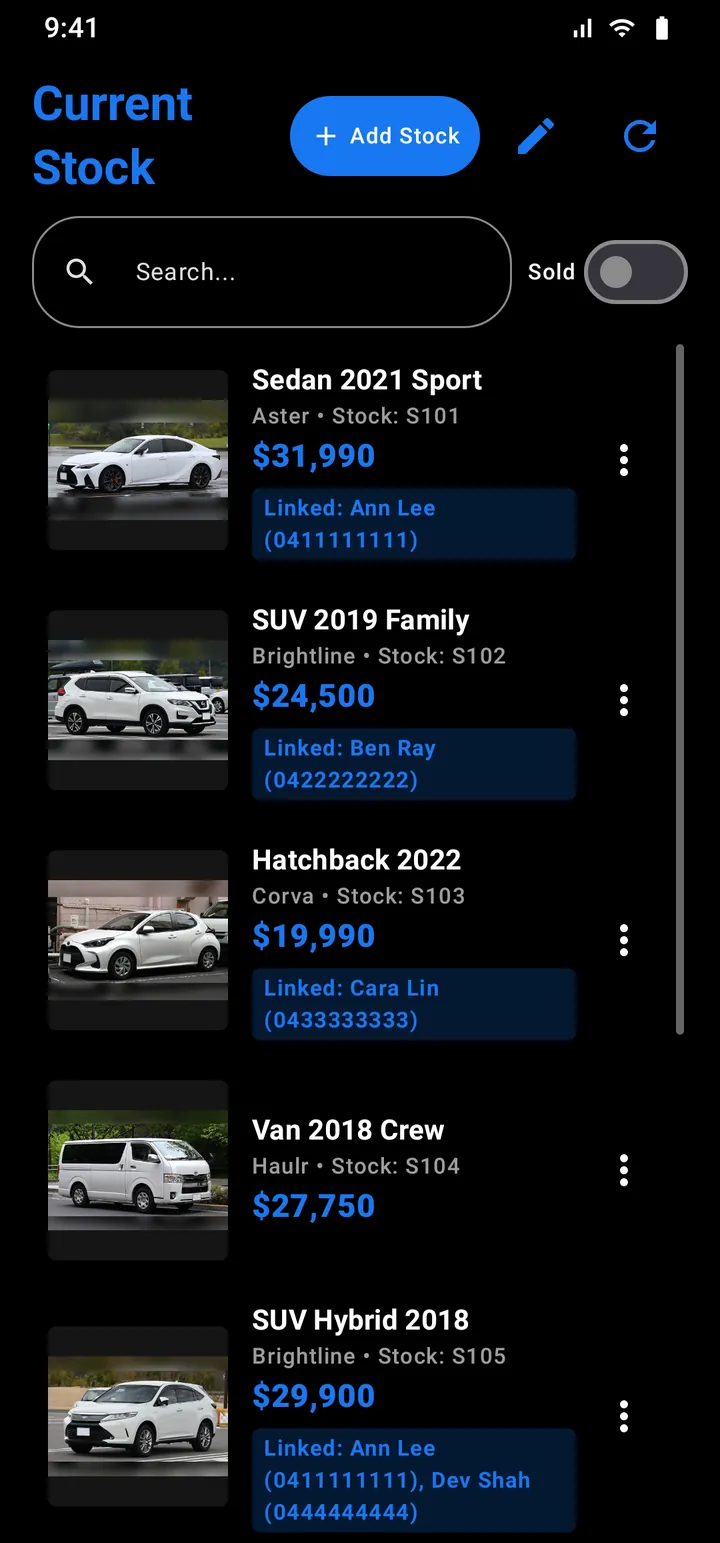
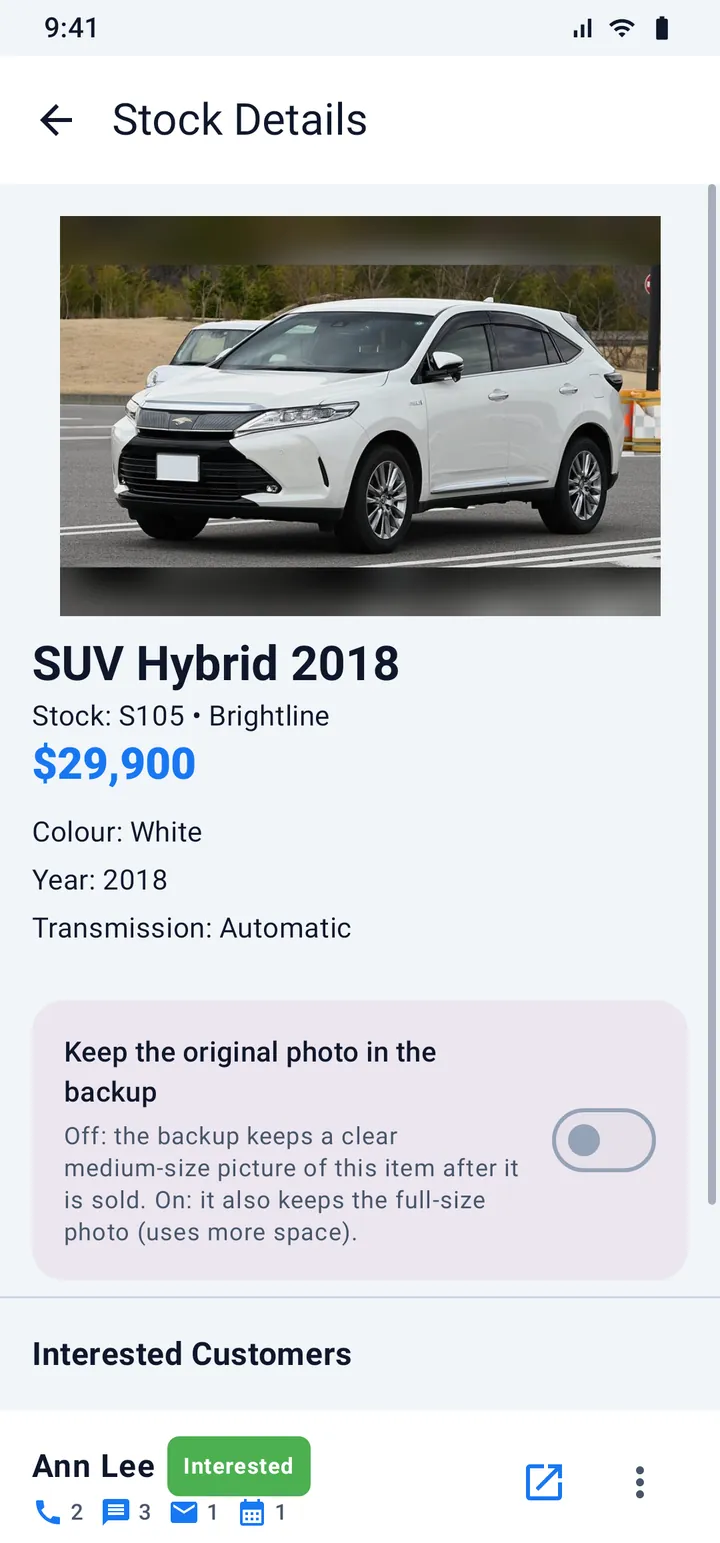
Each item has a photo, a price, a stock number and the fields you use. Mark an item as sold and it moves to its own list with a small picture kept.
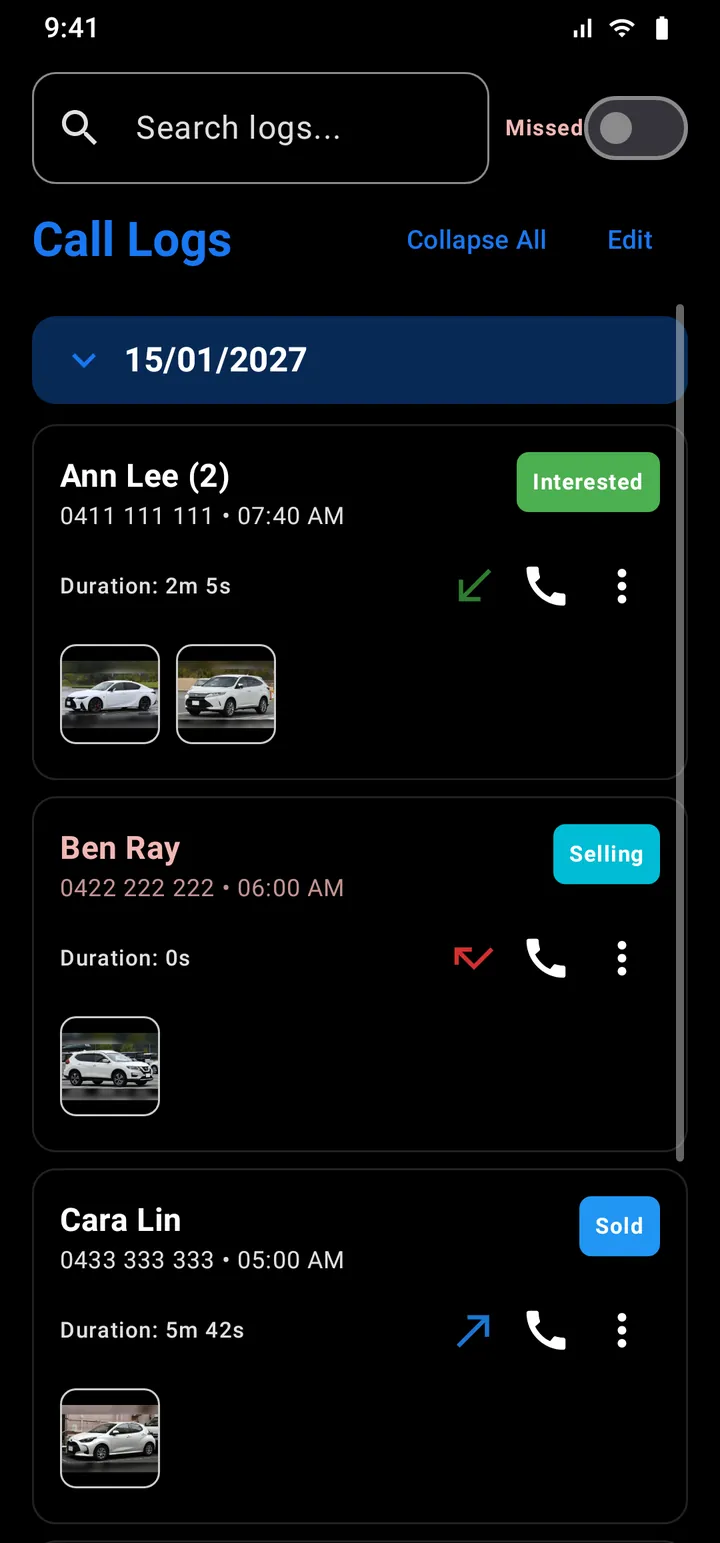
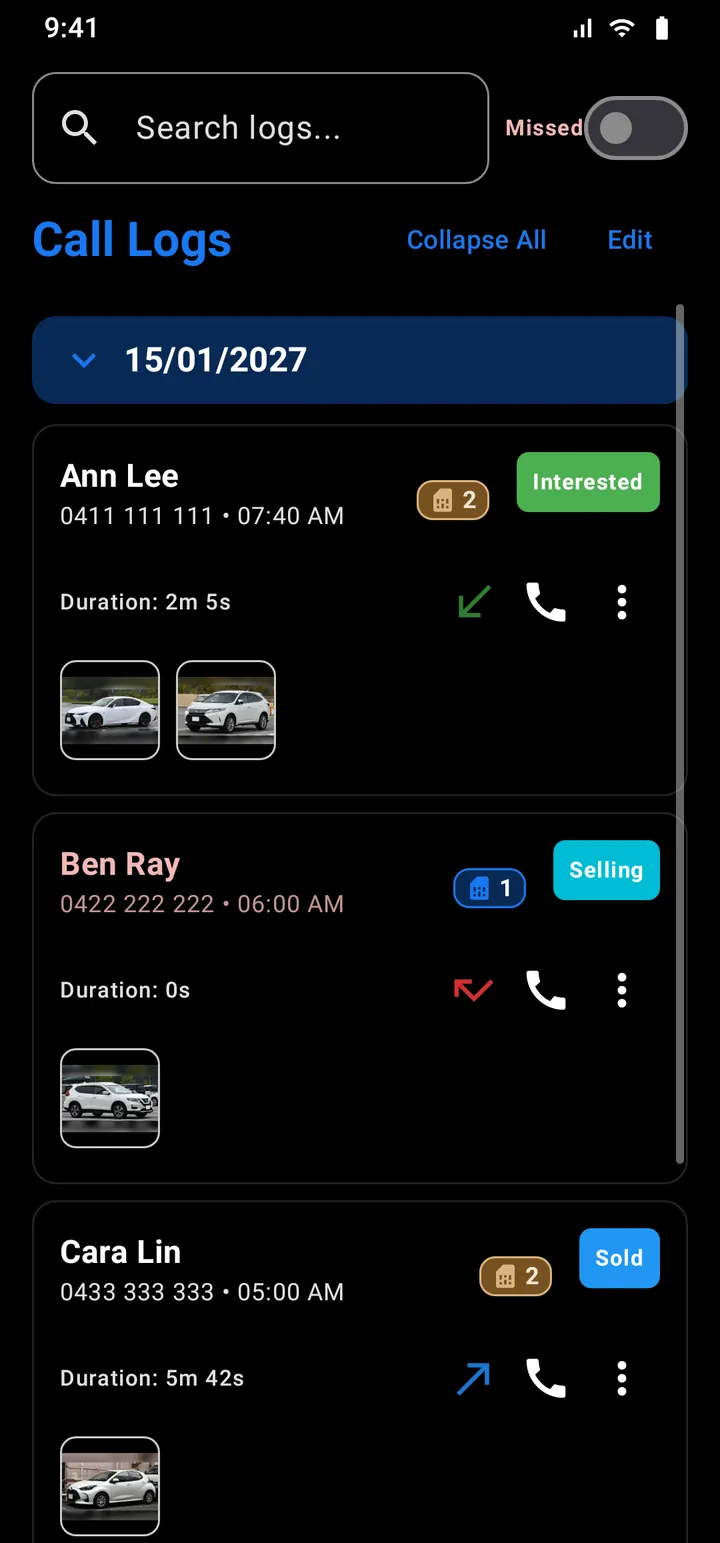
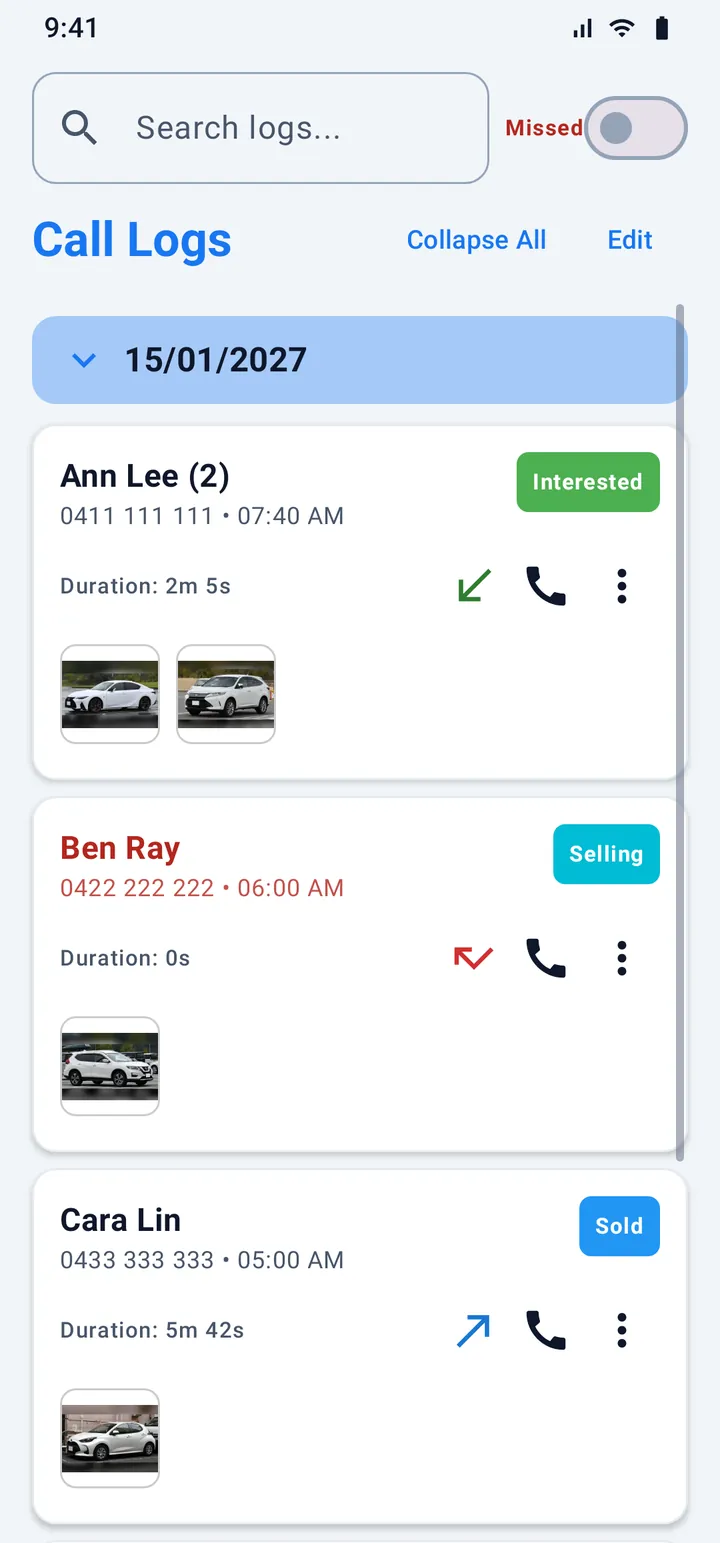
Keep a list of what you sell, with a photo and a price for each item. Link an item to the person who asked about it, and its picture follows that person through your call log, your texts and your mail.
Our pictures show cars, one example of stock. ASM keeps any kind of stock: vehicles, equipment, parts or products. All names, numbers and prices on this page are made up.
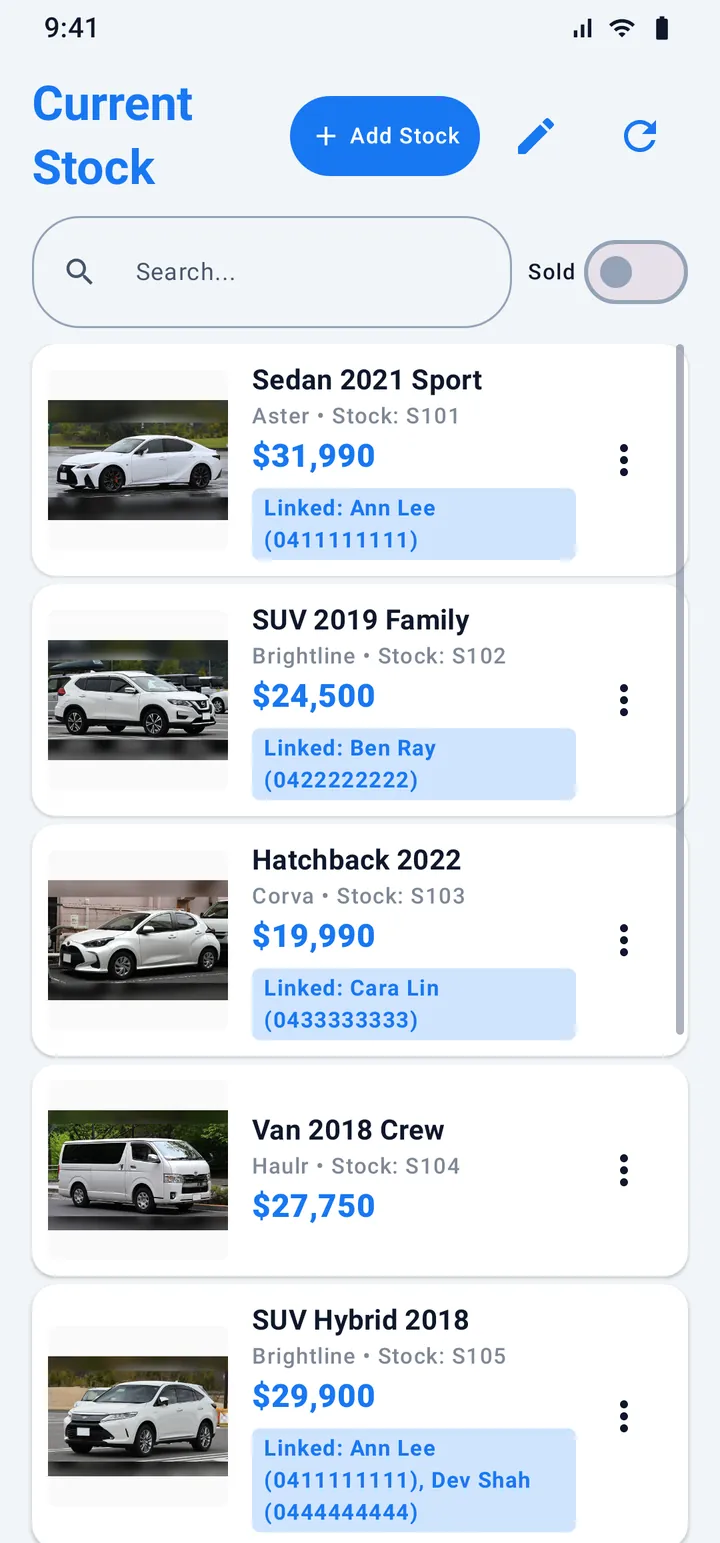
Each item has a photo, a price, a stock number and the fields you use. Mark an item as sold and it moves to its own list with a small picture kept.
A Linked bar on every card names the people who asked. Open the item and see each person with their stage and how often they called, texted or wrote.
Fill a text template with the details of an item, so the reply has the right price and the right name. Share the picture with your group.
Take a photo, type the price and save. Your own fields are offered next time.
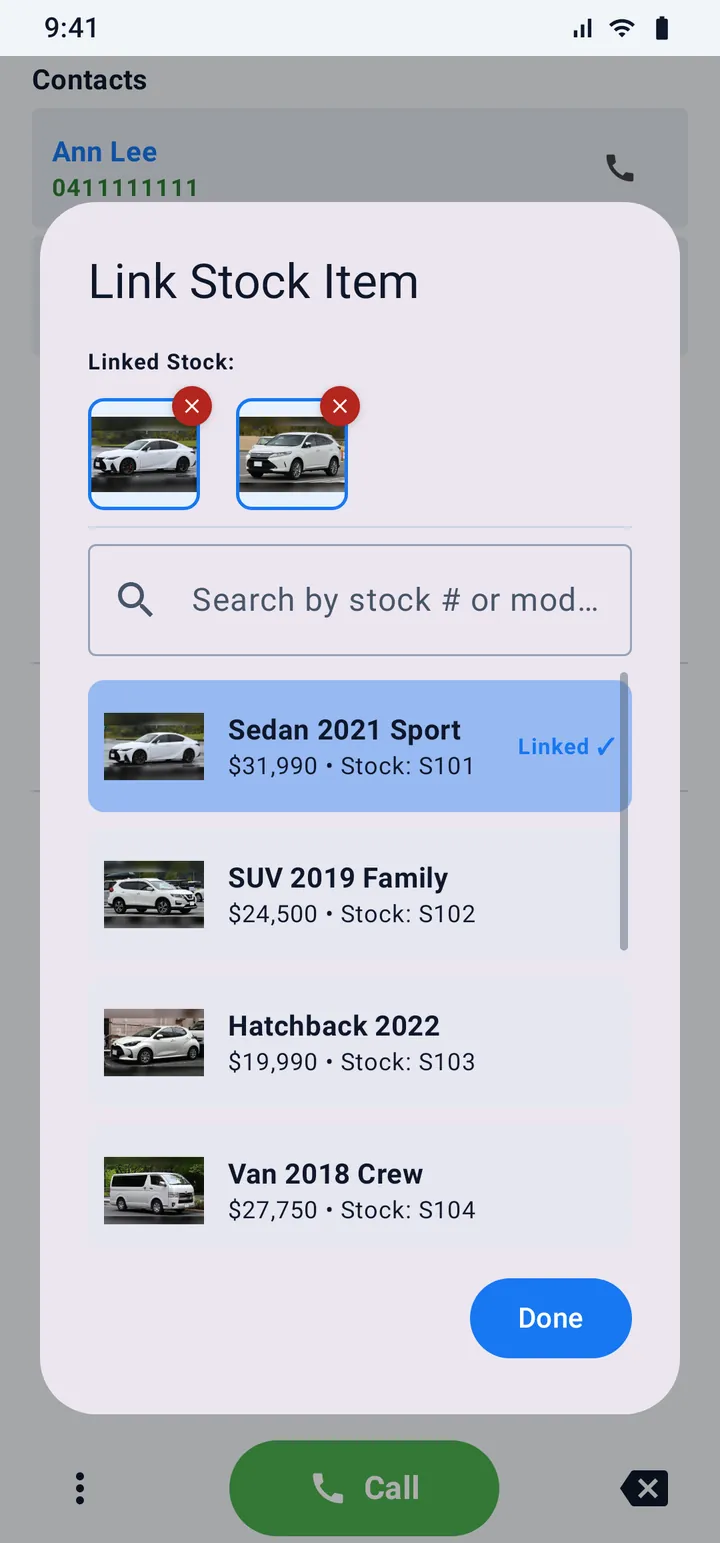
From the dial pad, a call, a chat or a mail, open Link stock and tick the item they asked about.
The item's picture and the person's stage tag show on their calls, texts and mail.
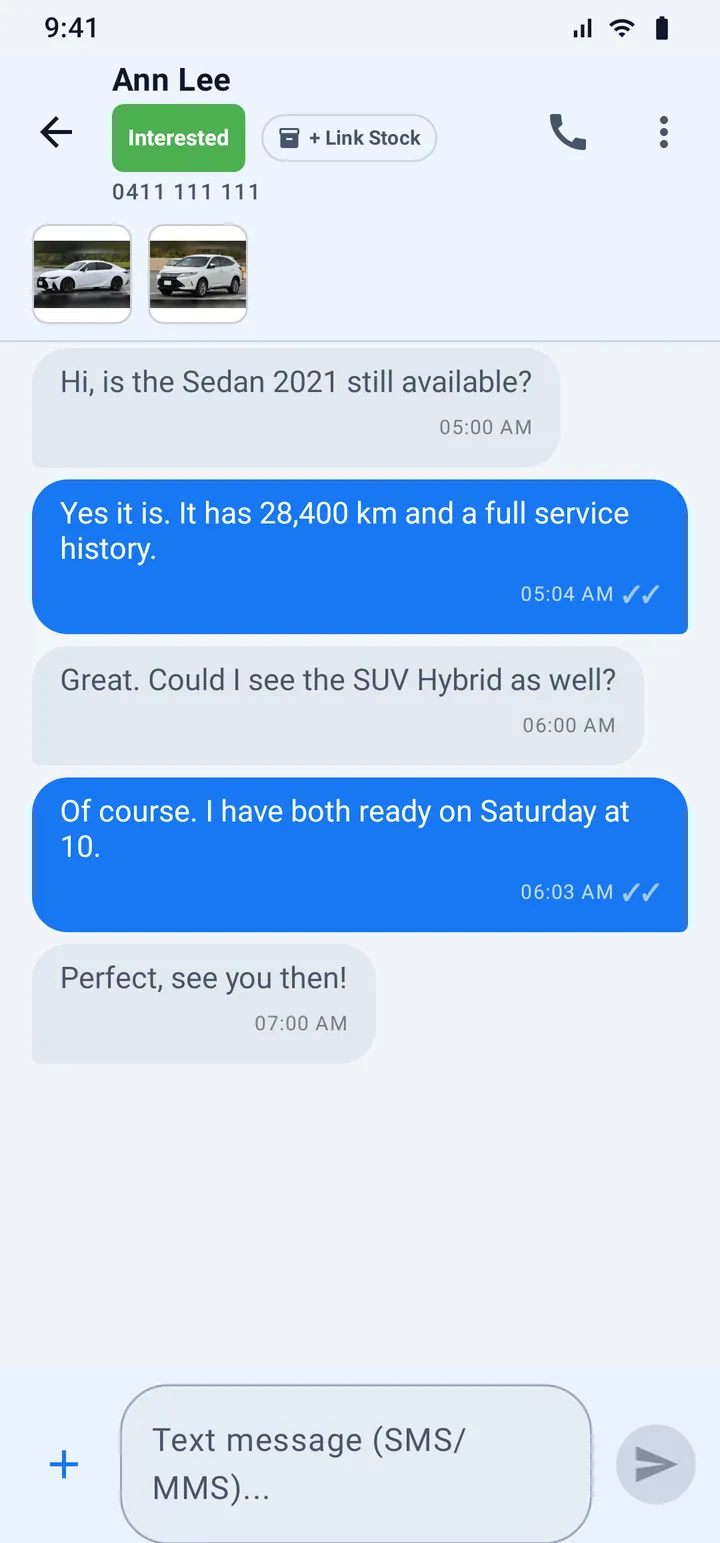
A conversation shows the person's stage and the items they asked about in its header. An e-mail shows them under the mail.
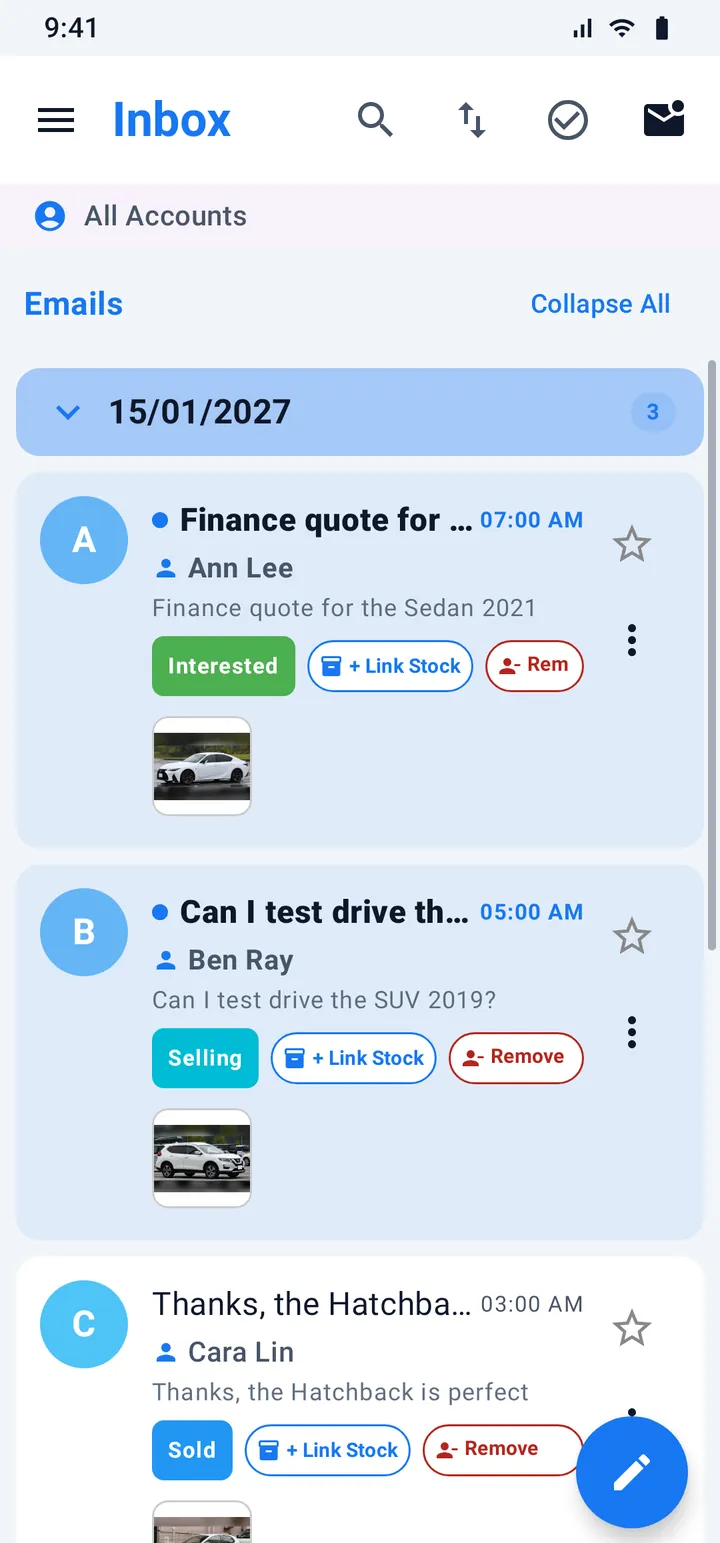
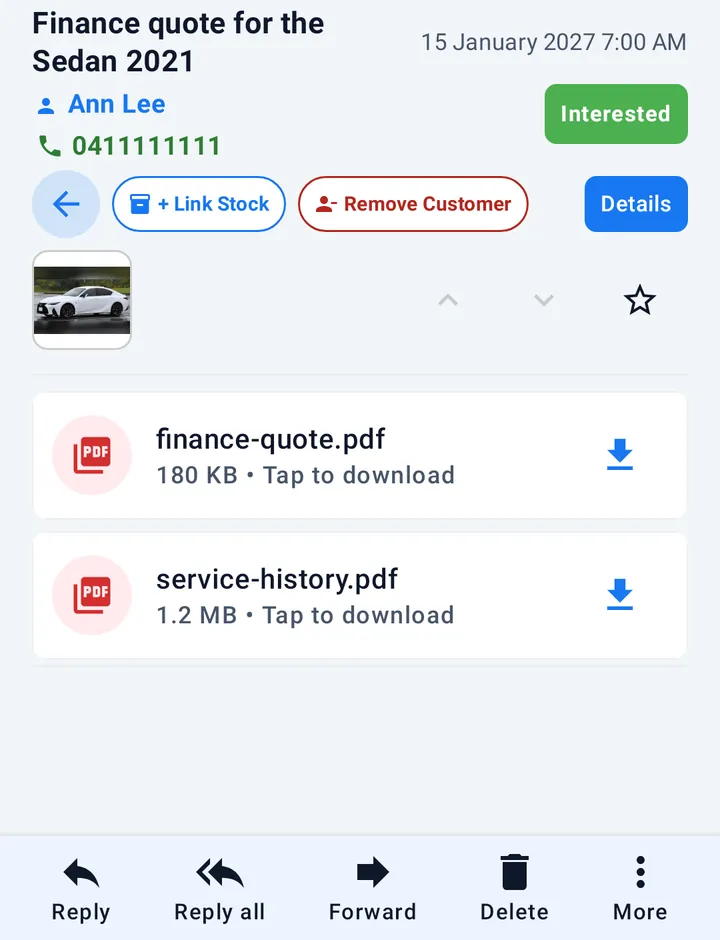
The pictures on this page are the app's own screens, drawn by the app itself with made-up data. The photos are public domain pictures.